XenoAtom.CommandLine — User Guide
Welcome to the XenoAtom.CommandLine documentation. This guide covers everything from installation to advanced usage.
Overview
XenoAtom.CommandLine is a lightweight, powerful and NativeAOT-friendly command-line parser for .NET. It uses a composition-first API — you declare commands, options, and arguments with collection initializers, and the library handles parsing, help generation, and error reporting.
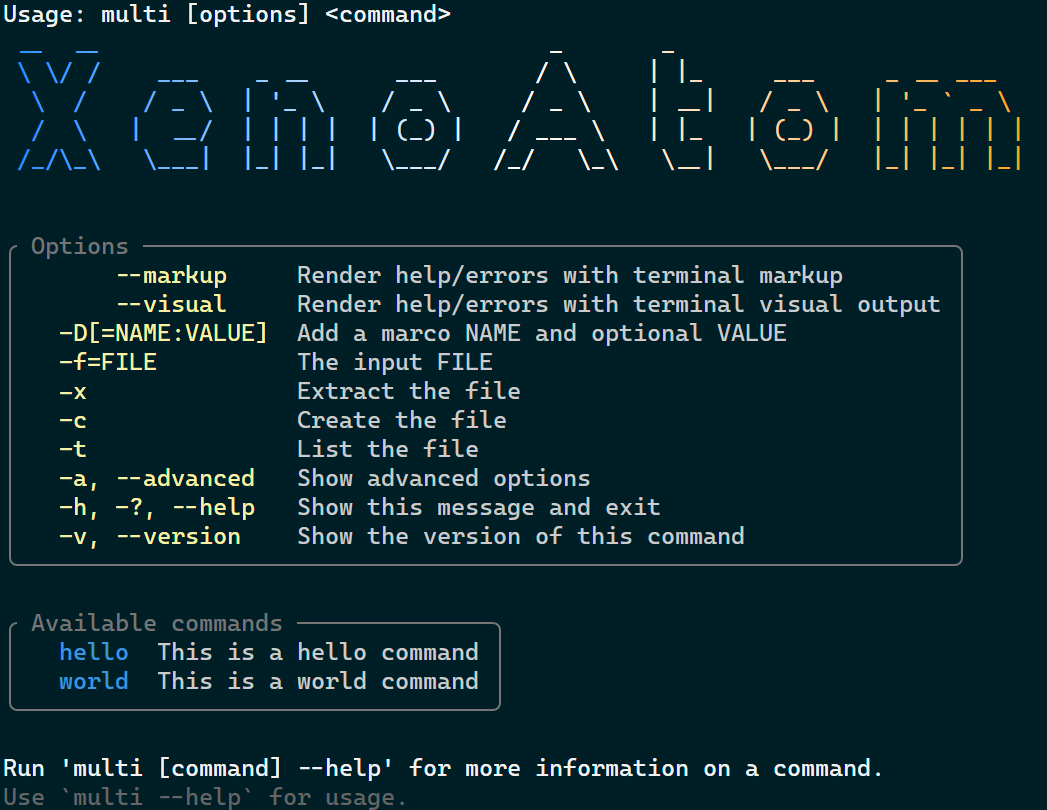
With the optional XenoAtom.CommandLine.Terminal package, you can also embed XenoAtom.Terminal.UI visuals directly in command initializers for richer help output.
var app = new CommandApp("myexe")
{
    { "n|name=", "Your {NAME}", v => name = v },
    new HelpOption(),
    (ctx, _) =>
    {
        ctx.Out.WriteLine($"Hello, {name}!");
        return ValueTask.FromResult(0);
    }
};

await app.RunAsync(args);
Migrating to 2.0 (Quick Check)
Most users should see little or no migration impact.
You are likely unaffected if you:
- use built-in output renderers (no custom
ICommandOutput), - configure command/option metadata at declaration time,
- do not reference low-level renamed APIs directly.
You likely need small updates if you:
- implemented custom
ICommandOutput(WriteUnknownTokensnow takesUnknownTokenReport), - used renamed members (
OptionException,IsThisNodeActive,OptionsName), - mutated metadata after construction (
Hidden,EnvironmentVariable,EnvironmentVariableDelimiter).
For exact details and before/after snippets, see Migration 2.0.
Guides
| Guide | What you'll learn |
|---|---|
| Getting Started | Install the package, create your first app, add options and sub-commands |
| Options | Option prototypes, value types (required/optional/flag), aliases, bundling, key/value pairs, typed parsing, environment variable fallbacks |
| Commands | Commands and sub-commands, actions, conditional CommandGroup, built-in HelpOption and VersionOption, parsing flow |
| Arguments | Positional arguments, cardinality (<arg>, <arg>?, <arg>*, <arg>+, <>), typed arguments, strict parsing |
| Validation & Constraints | Value validation (Validate.Range, Validate.NonEmpty, Validate.FileExists, …), mutually exclusive options, requires constraints |
| Help & Output | Help text, CommandUsage, custom ICommandOutput rendering, Terminal markup and visual output |
| Advanced Topics | Parse API for testing, shell completions, response files, CommandConfig, CommandRunConfig, localization, EnumWrapper<T>, NativeAOT, performance |
| Migration 2.0 | Breaking changes and upgrade checklist from 1.x |
Quick Links
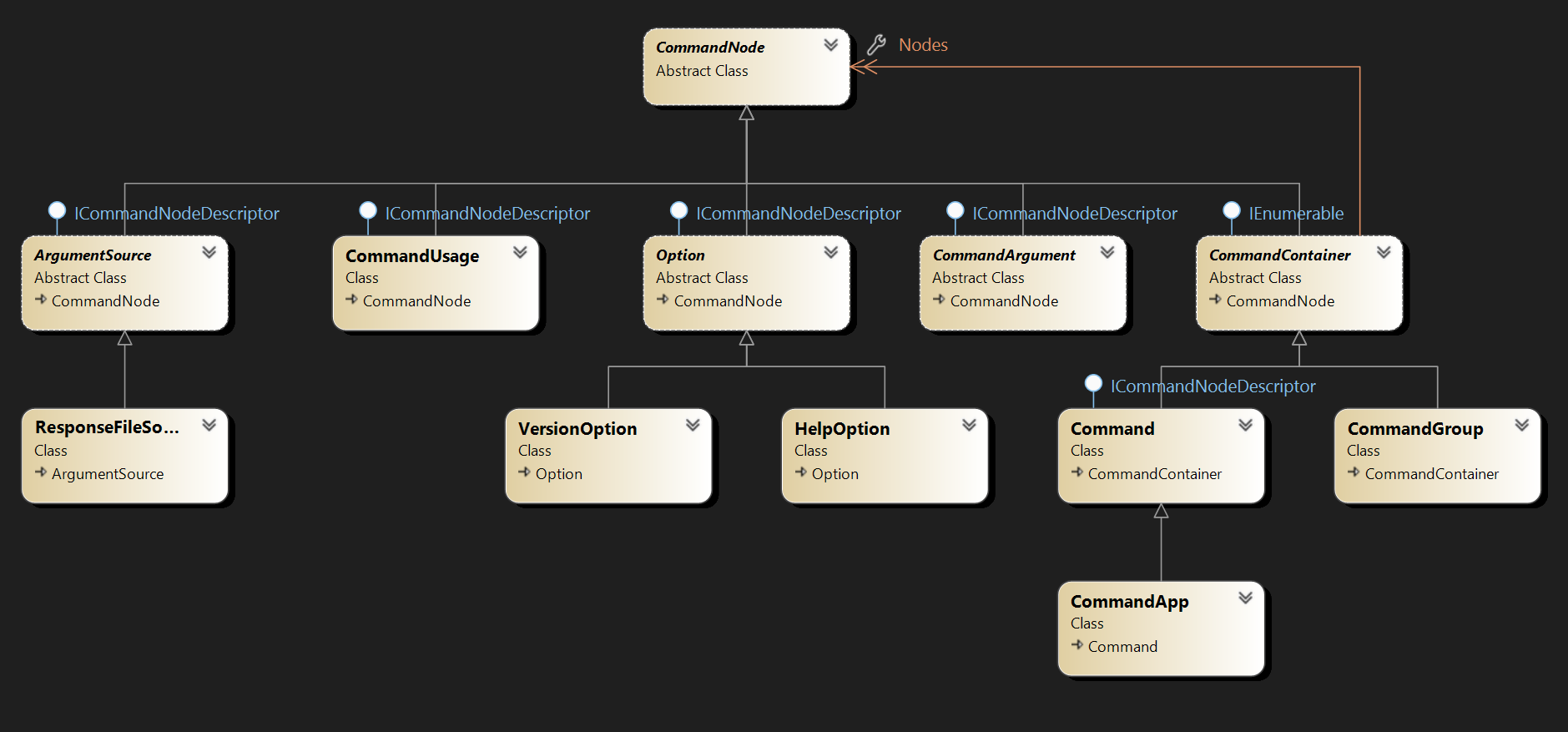
Class Diagram