LogControl
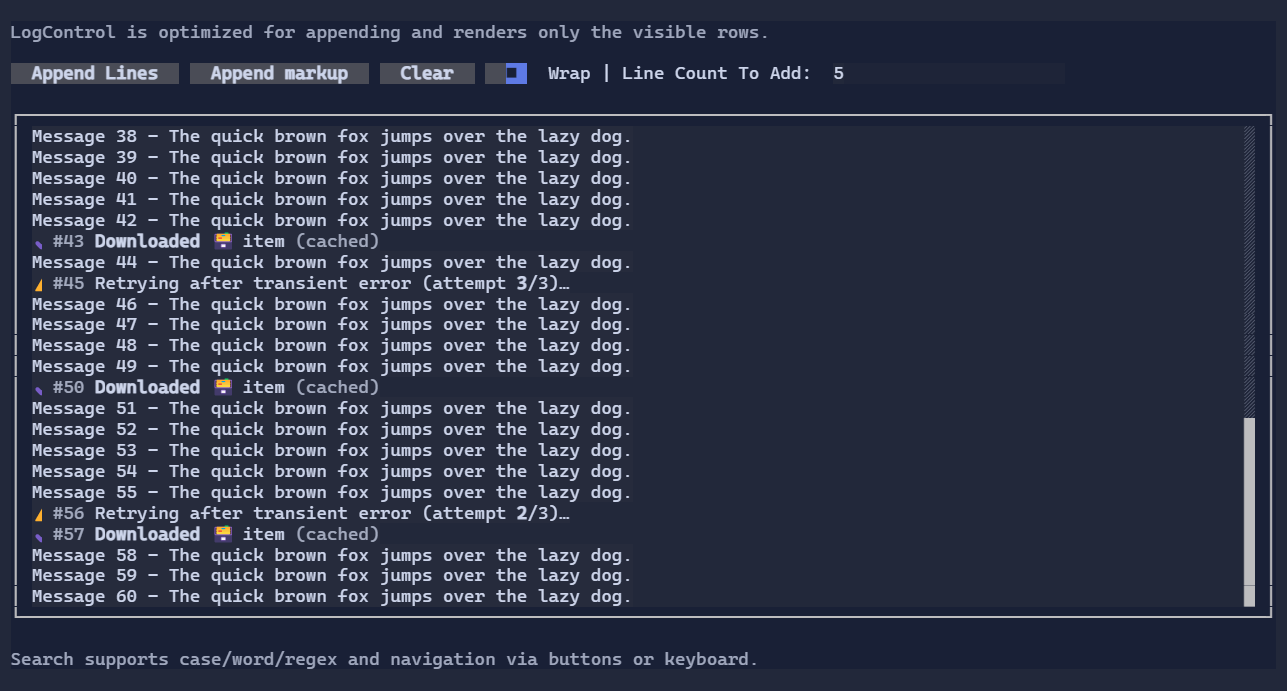
LogControl is a high-performance scrolling log viewer intended for “tail-like” workloads (frequent appends).
It supports selection + copy, a maximum retained capacity, optional wrapping, and built-in search UI.
Key features
- Append text or markup without creating a visual per line.
- Scroll with mouse wheel,
PageUp/PageDown,Home/End. - Select and copy:
Ctrl+Aselects allCtrl+Ccopies the selection to the terminal clipboard
- Built-in search (
Ctrl+F) with:- next/previous navigation
- case sensitive / whole word / regex options
Basic usage
var log = new LogControl
{
    MaxCapacity = 2000,
}.WrapText(true);

log.AppendLine("Starting…");
log.AppendMarkupLine("[green]✔[/] Ready");
Built-in search
Press Ctrl+F while the control is focused to open the search popup. Matches are highlighted in the log view.
Use Alt+Arrow to move the popup.
You can also drive search programmatically:
log.Search("error");
log.GoToNextMatch();
Follow-tail
LogControl follows appended entries by default.
log.FollowTail = false; // disable auto-follow, even if the viewport is already at the end
log.FollowTail = true;  // re-enable auto-follow and pin to the current tail
log.ScrollToTail();     // explicit jump-to-tail helper
When FollowTail is false, newly appended entries do not move the viewport.
Defaults
- Default alignment:
HorizontalAlignment = Align.Stretch,VerticalAlignment = Align.Stretch
Styling
Use LogControlStyle and LogControlSearchStyle to customize colors and rendering:
log.Style(LogControlStyle.Default with
{
    Padding = new Thickness(1, 0, 1, 0),
});
Note:
WrapTextis a control property (not a style) so you can toggle it dynamically without cloning styles.