Validation
ValidationPresenter is a small wrapper control that shows a validation/status message above or below another control.
It is designed to be reusable across the library (prompts, inputs, pickers) and in user code.
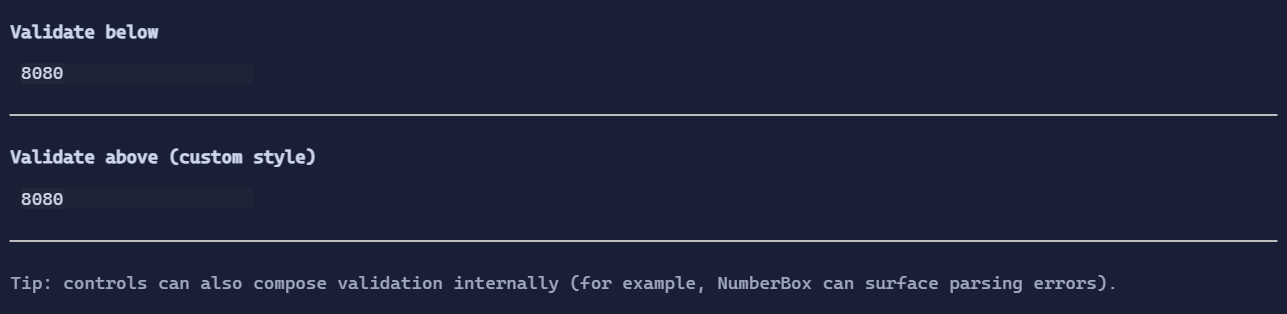
Basic usage
Wrap any visual with a fixed message:
var editor = new TextBox("8080")
    .Validation(new ValidationMessage(ValidationSeverity.Error, "Port is required."));
Dynamic validation
Use .Validate(...) to compute a message from a bound value.
var port = new State<string>("8080");

var editor = new TextBox().Text(port)
    .Validate(
        port.Bind.Value,
        value =>
        {
            if (string.IsNullOrWhiteSpace(value))
            {
                return new(ValidationSeverity.Error, "Port is required.");
            }

            if (!int.TryParse(value, out var parsed) || parsed is < 1 or > 65535)
            {
                return new(ValidationSeverity.Error, "Port must be in [1..65535].");
            }

            return null;
        });
Defaults
- Default alignment:
HorizontalAlignment = Align.Start,VerticalAlignment = Align.Start
Styling
Validation presentation is controlled by ValidationStyle (padding, glyphs, colors). You can override it for a subtree:
var custom = ValidationStyle.Default with
{
    Gap = 0,
    Padding = new Thickness(1, 0, 1, 0),
};

var editor = new TextBox("Hello")
    .Validate(/* ... */)
    .Style(custom);