XenoAtom.Terminal.UI comes with a few runnable demos that showcase different parts of the library.
You can run all demos directly from source with dotnet run -c Release --project <path>.
These demos are also intended to be published as global .NET tools (NuGet) so you can install and run them without cloning the repository.
ControlsDemo
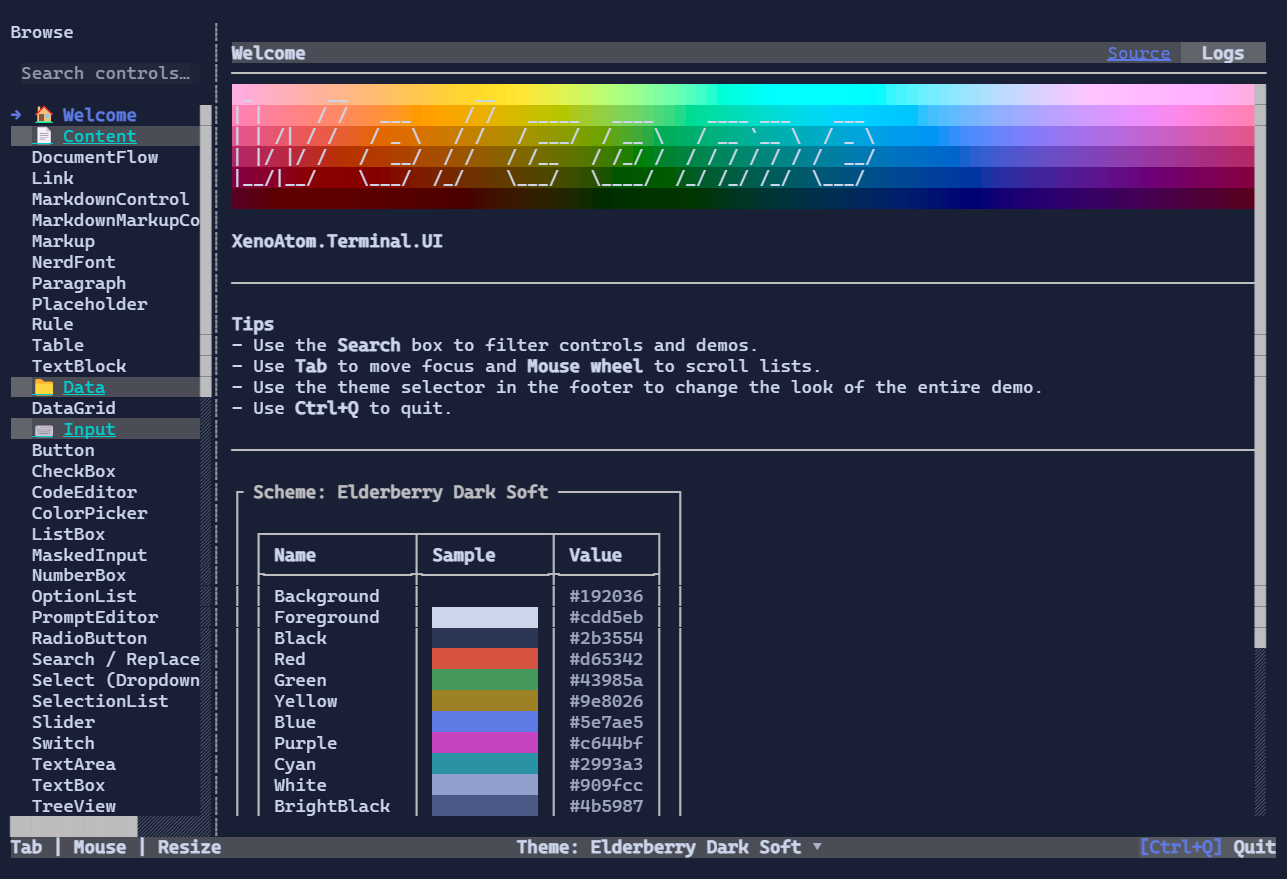
The ControlsDemo is the “living catalog” of the library:
- Shows most controls with real styling and interactions
- Includes theme switching and debug overlay usage
- Can export the PNG screenshots used by the website documentation
Run from source
dotnet run -c Release --project samples/ControlsDemo
Export website screenshots
dotnet run -c Release --project samples/ControlsDemo -- --export-screenshots
Install as a tool
dotnet tool install -g XenoAtom.Terminal.UI.ControlsDemo
xenoatom-controls-demo
Source: samples/ControlsDemo/
FullscreenDemo
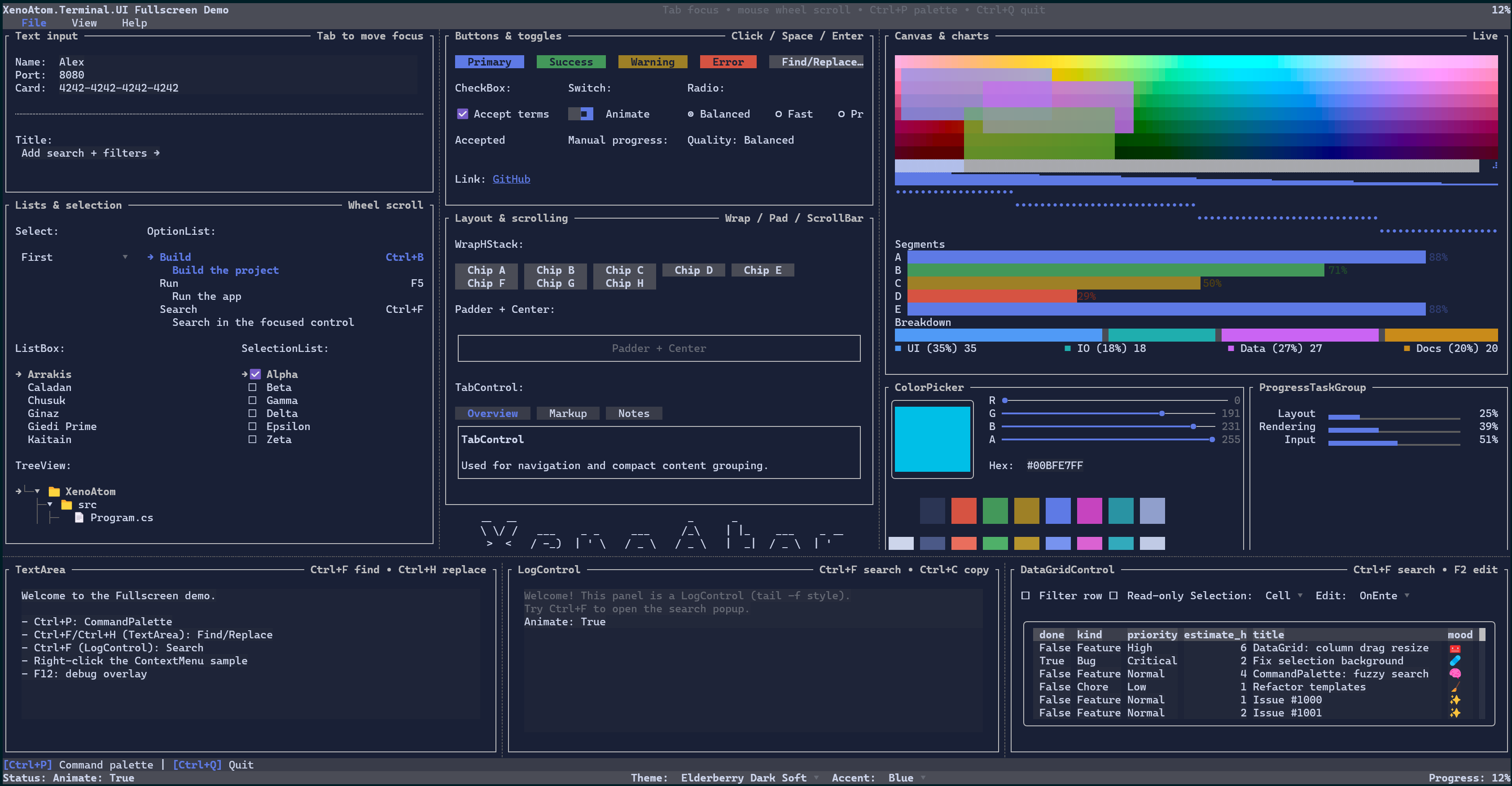
The FullscreenDemo is a single-screen “dashboard”-style app:
- Exercises layout, focus navigation, and complex composition
- Useful for evaluating overall look & feel across themes
Run from source
dotnet run -c Release --project samples/FullscreenDemo
Install as a tool
dotnet tool install -g XenoAtom.Terminal.UI.FullscreenDemo
xenoatom-fullscreen-demo
Source: samples/FullscreenDemo/
InlineLiveDemo
The InlineLiveDemo demonstrates inline live regions:
- Terminal output continues to scroll normally
- A live “widget” updates in-place inside regular output
Run from source
dotnet run -c Release --project samples/InlineLiveDemo
Install as a tool
dotnet tool install -g XenoAtom.Terminal.UI.InlineLiveDemo
xenoatom-inline-live-demo
Source: samples/InlineLiveDemo/