ScrollBar
ScrollBar is the abstract base for standalone scroll bars.
Use VScrollBar (vertical) or HScrollBar (horizontal).
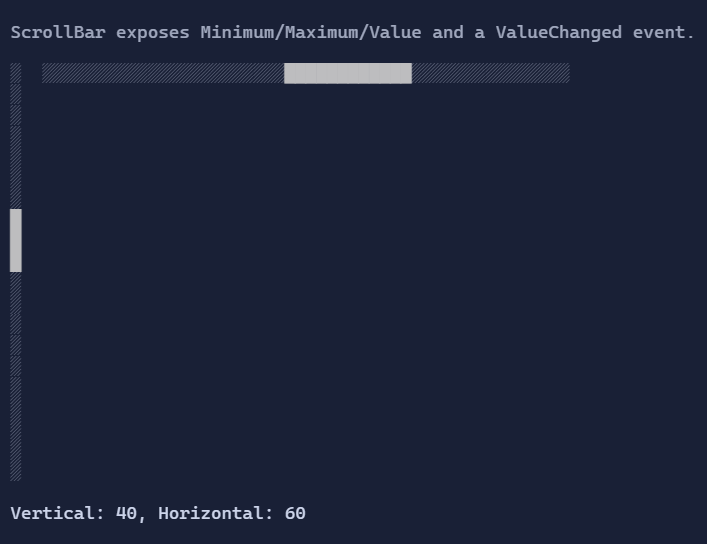
Basic usage
Scrollbars are typically used through ScrollViewer, but can be used directly:
new VScrollBar()
    .Minimum(0)
    .Maximum(100)
    .Value(30);
In most apps you should prefer ScrollViewer + IScrollable, because it keeps viewport/extent synchronized and avoids
manual offset math.
Behavior and interaction
- Clicking the track jumps the thumb to the pointer position and starts a drag.
- Dragging the thumb sets the value proportionally.
- Scrollbars can be focused to enable keyboard interaction (arrow keys/page keys).
Binding to a scroll model
When used inside ScrollViewer, scrollbars are automatically bound to the target ScrollModel:
ScrollModel.OffsetX/OffsetYmaps to scrollbar value,ScrollModel.ViewportWidth/ViewportHeightmaps to thumb size,ScrollModel.ExtentWidth/ExtentHeightmaps to range.
If you host a scrollbar directly, you are responsible for keeping its range/value consistent with the content.
Defaults
VScrollBar:HorizontalAlignment = Align.Start,VerticalAlignment = Align.StretchHScrollBar:HorizontalAlignment = Align.Stretch,VerticalAlignment = Align.Start
Styling
ScrollBarStyle controls track/thumb rendering and colors.