TextArea
TextArea is a multi-line text editor with soft wrapping by default.
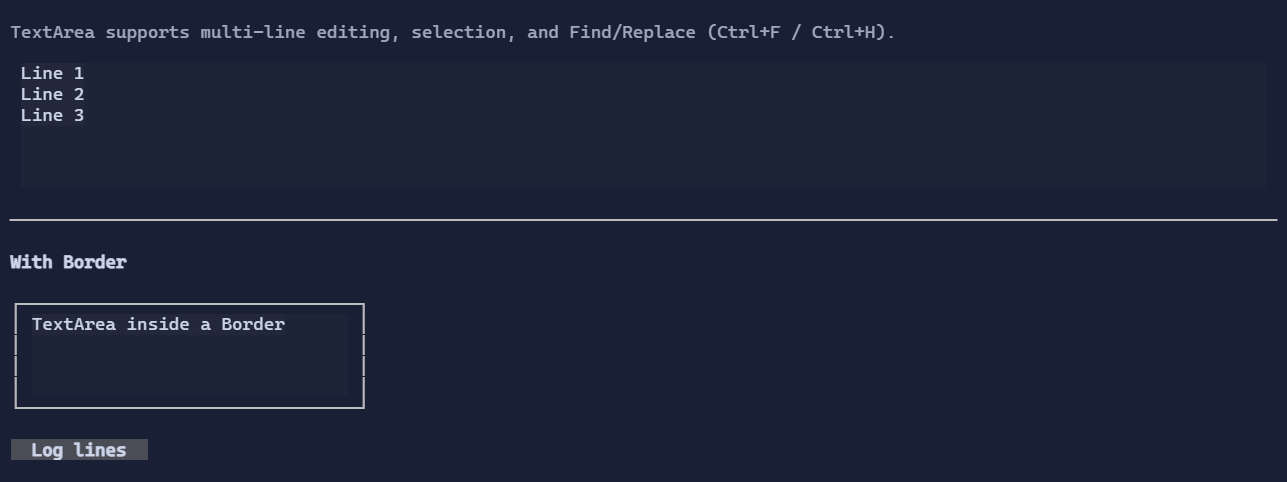
Basic usage
new TextArea("Hello\nWorld");
To two-way bind to a State<string>:
var text = new State<string>("Hello\nWorld");
new TextArea().Text(text);
Find / Replace
TextArea includes a built-in Find / Replace popup:
Ctrl+F: FindCtrl+H: Replace
See also SearchReplacePopup.
Undo / redo
TextArea supports undo/redo:
Ctrl+Z: undoCtrl+R: redo
Replace operations are undoable. Replace All is recorded as a single undo step.
See Undo/Redo.
Scroll integration
TextArea implements IScrollable, so it integrates with ScrollViewer:
new ScrollViewer(new TextArea(longText));
When you bound the control (e.g. with .MaxHeight(...)) the scroll model provides an extent larger than the viewport,
and the viewer can render scrollbars and synchronize offsets.
Defaults
- Default alignment:
HorizontalAlignment = Align.Start,VerticalAlignment = Align.Start
Styling
TextAreaStyle controls colors, padding, and selection rendering.
See also: