Popup
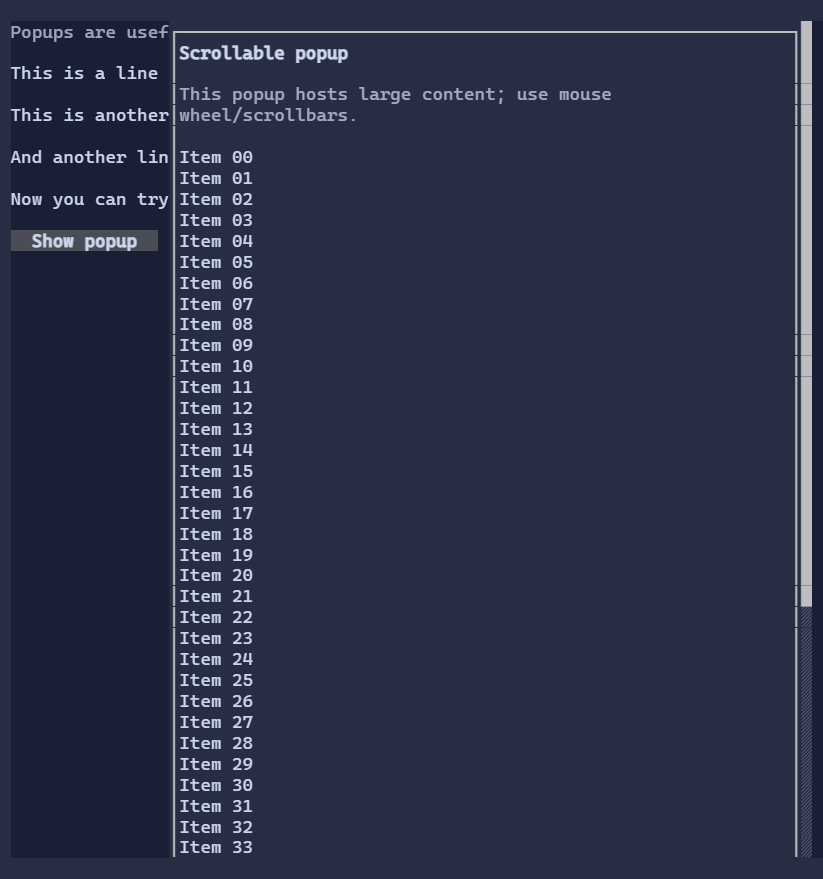
Popup is an overlay surface used for dropdowns, context menus, and lightweight transient UI.
Popups close when focus is lost or when the user clicks outside (depending on configuration).
Anchoring
Popups can be positioned relative to:
- an anchor visual (via
Popup.Anchor), or - an explicit rectangle in UI coordinates (via
Popup.AnchorRect).
AnchorRect is primarily used for point-based popups such as context menus (right-click), where there is no natural anchor
visual to align to.
Typical usage
Select<T>uses a popup for its dropdown list.ContextMenuuses a popup anchored to the click position.SearchReplacePopupuses a popup-like overlay anchored within an editor.
Focus and dismissal
Popups participate in focus. Common dismissal patterns:
- close on
Escape, - close when clicking outside,
- close when the popup loses focus (for transient UI).
- restore the previously focused control when the popup closes.
Interactive popups save the currently focused control when shown and restore it on close. This keeps dropdowns, context menus, search popups, and similar overlays consistent without each caller having to manage focus manually.
Defaults
- Default alignment:
HorizontalAlignment = Align.Start,VerticalAlignment = Align.Start